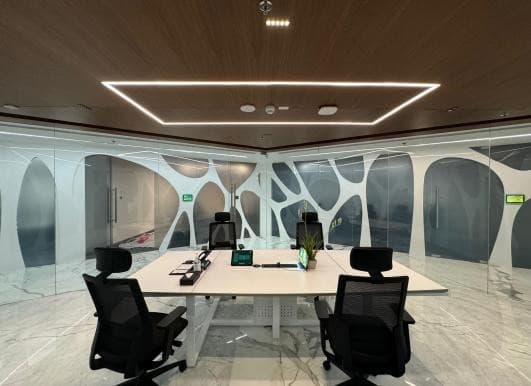
Offices & workplaces
Light for the way people work.
Give meeting rooms, shared spaces and individual work areas their own lighting behavior, with local control for the people using them.
DS Group · Noida, IndiaExplore the office project

Platform · Commercial
Connected lighting for the places people work, shop and move through. Bring X-PoE power, wireless controls and energy visibility into a plan that fits your building.
Applications
Start with the space and what it needs to do. These Luum projects and legacy Amatis case studies show where connected lighting goes to work.
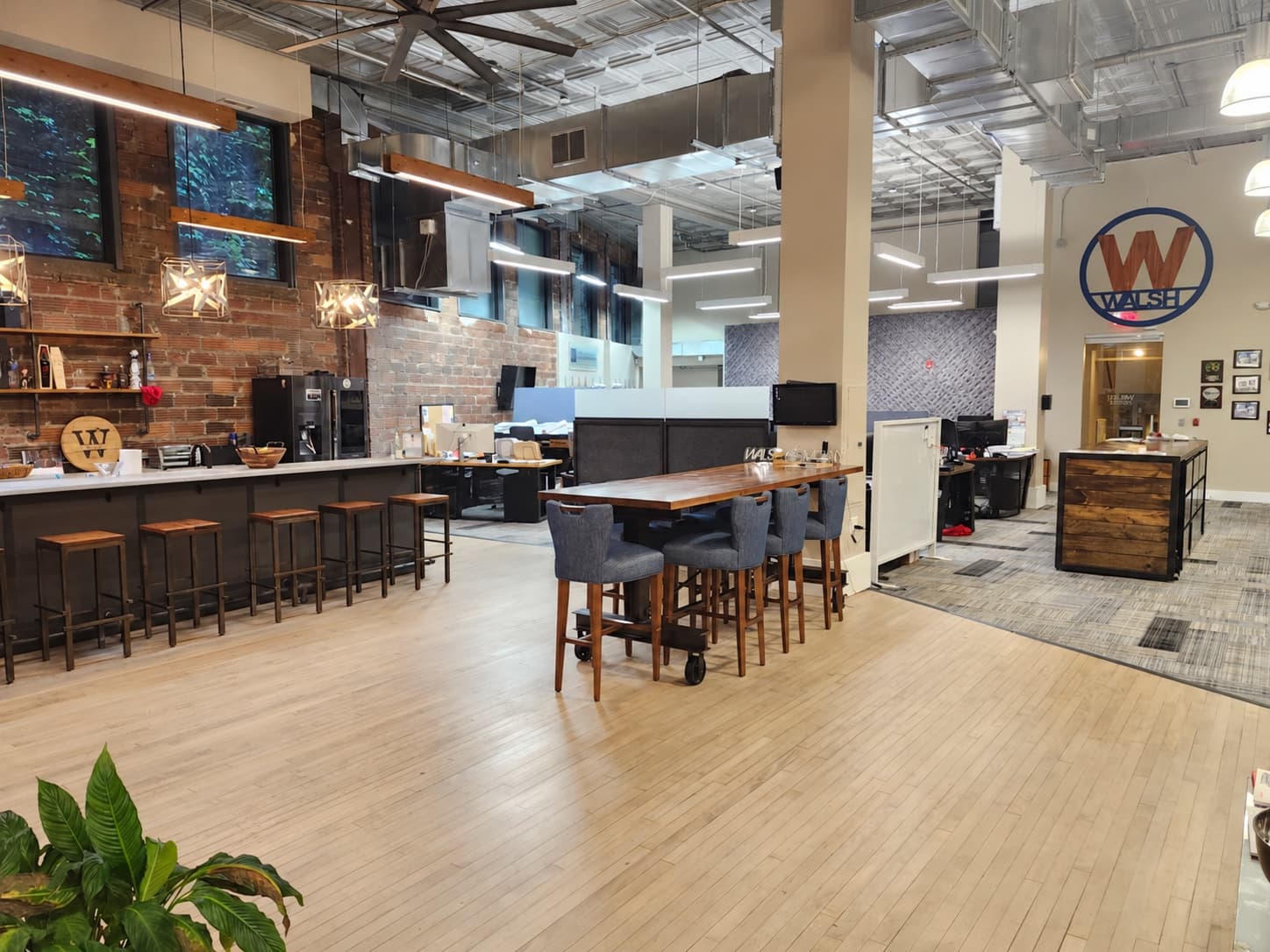
Offices & workplaces
Give meeting rooms, shared spaces and individual work areas their own lighting behavior, with local control for the people using them.
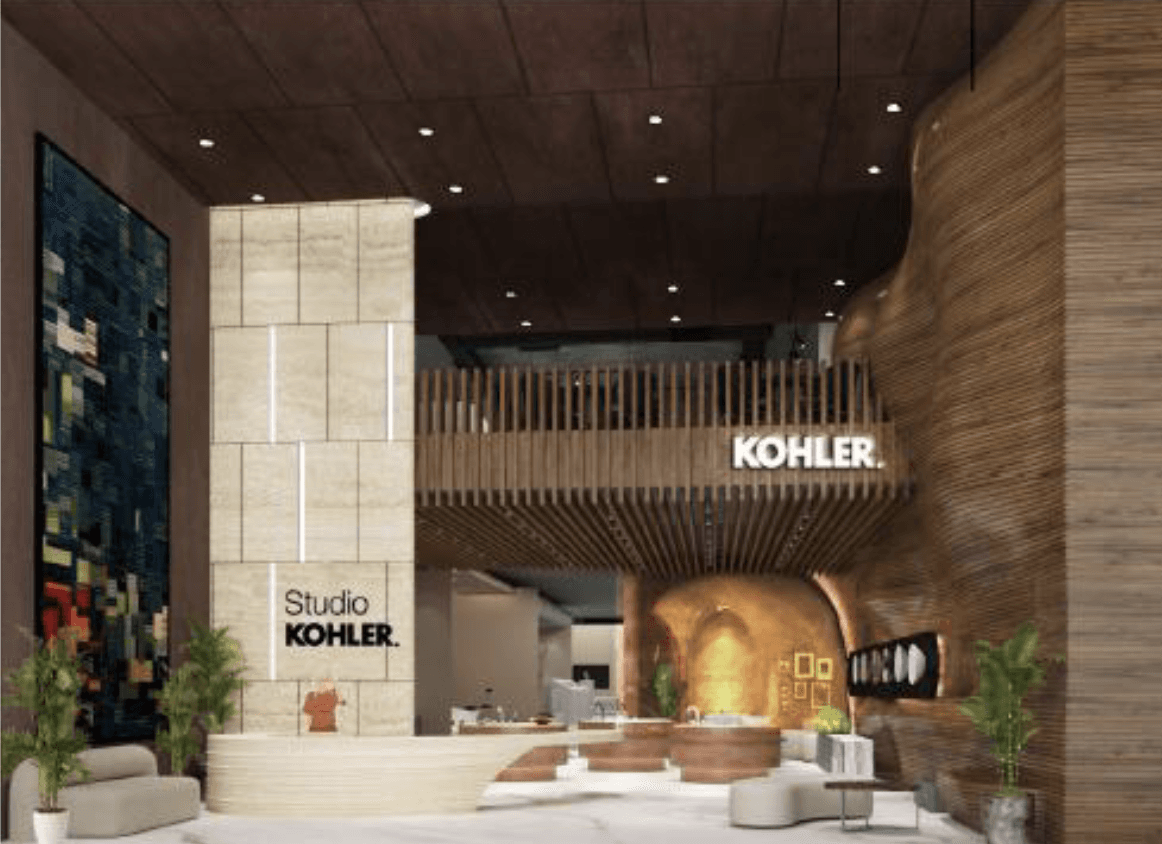
Showrooms & experience centres
Layer architectural and display lighting. Use scenes to change the mood and daylight harvesting to respond to the light already in the room.
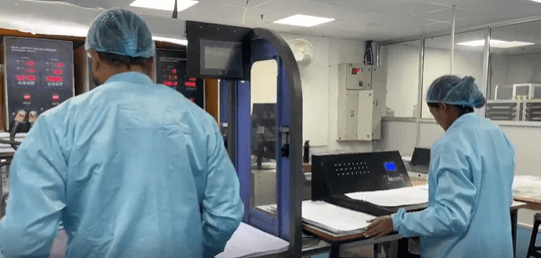
Manufacturing & industrial
Plan lighting around production areas, circulation and support spaces, with sensors and wall controls selected for each zone.

Grocery & everyday retail
Match lighting to trading, stocking and cleaning routines. Give operators a clearer view of when lights are running.
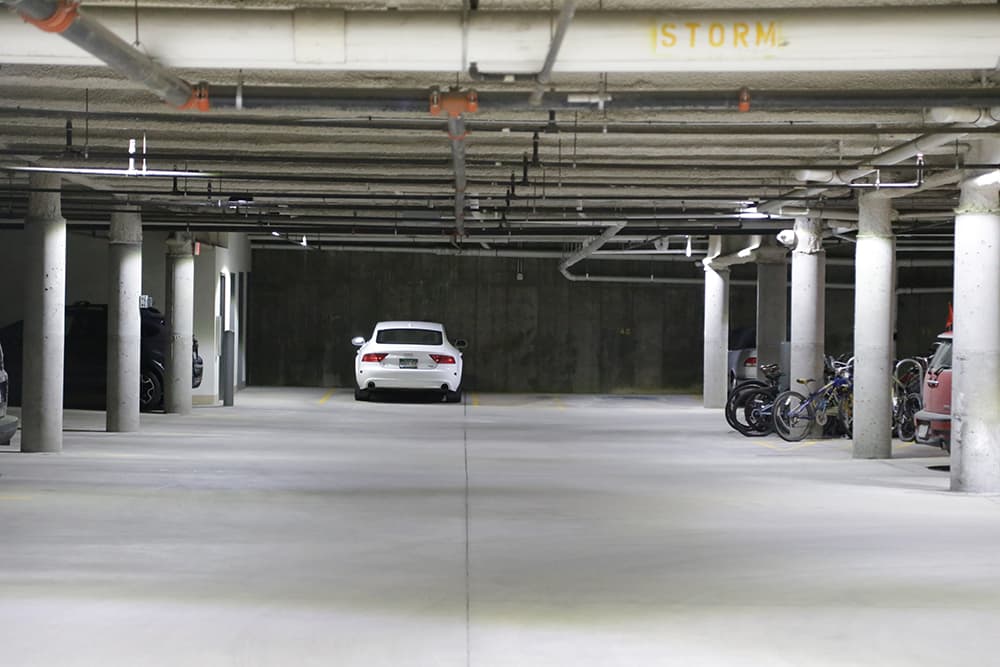
Parking & support spaces
Set lighting behavior for occupied and quiet periods, with levels and timeouts commissioned for the way the facility is used.
Behind the lighting
Use X-PoE, wireless controls, or a mix across the site. Plan around the fixtures, existing wiring and spaces you’re ready to upgrade.
X-PoE
Bring power electronics into an accessible rack or panel. Run low-voltage power to compatible fixtures and configure LED driving at the controller.
Wireless controls
Add load controllers, sensors and wall switches to compatible lighting. Group spaces into control zones and phase the work around the building.
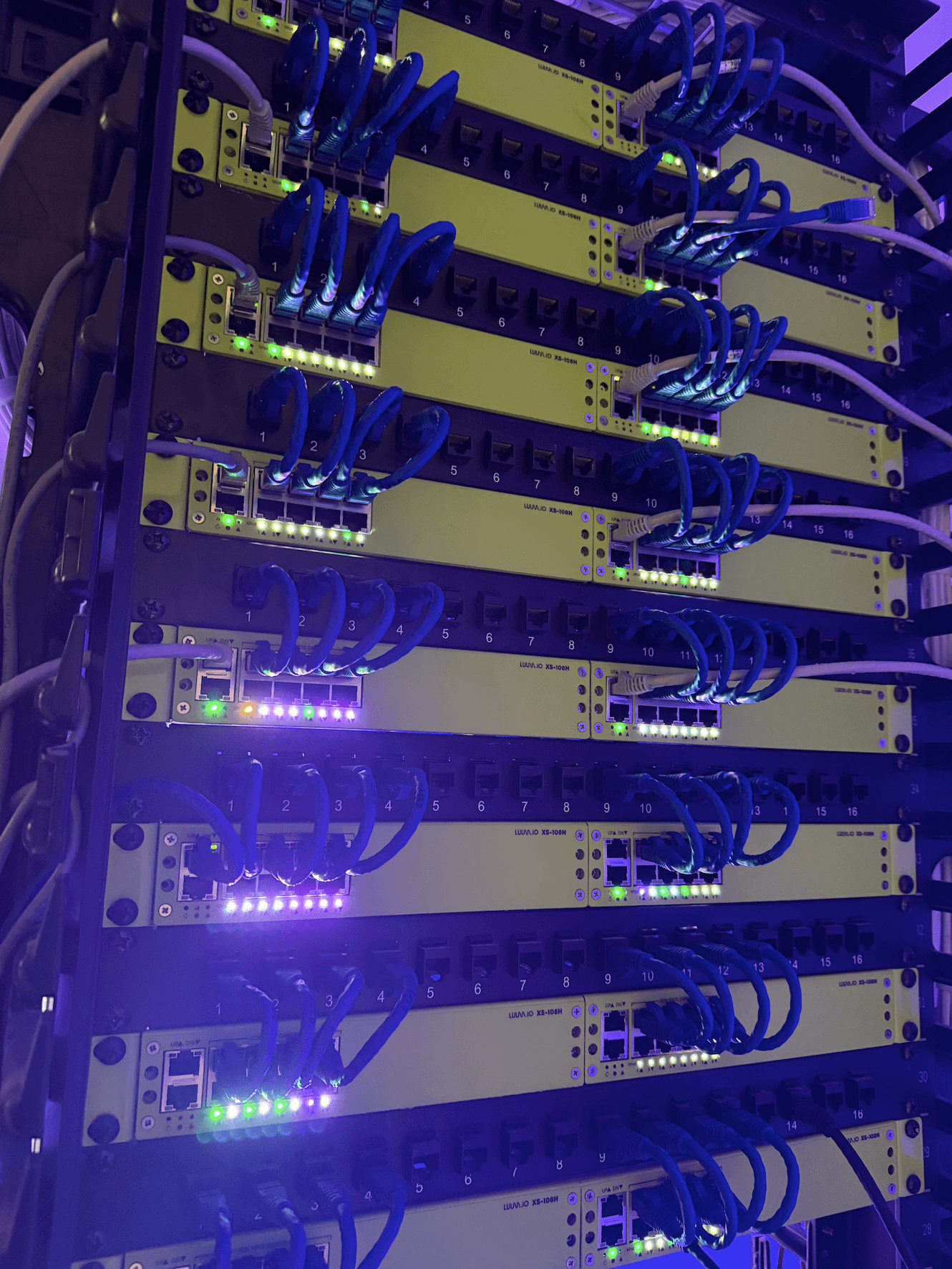
Power and control follow different paths in each architecture. Select the approach by zone, then commission the system around how the space is used.
Conceptual architecture. Fixture interfaces, network requirements and supported integrations are selected for the project. Use the product installation guides for wiring and ratings.
Combine the strategies each space needs. Confirm supported behavior with the selected controllers, fixtures and sensors.
Presence
Use sensors to bring lighting to occupied levels and reduce it after a space becomes quiet.
Daylight
Plan daylight-responsive dimming for perimeter spaces and areas with useful natural light.
Scenes
Set up lighting scenes for meetings, displays and different uses of a shared space.
Schedules
Plan occupied, after-hours and cleaning behavior around the actual building schedule.
Local control
Give users wall controls and sensible overrides alongside automatic behavior.
Visibility
Use connected status and energy information to review usage and identify settings to improve.
Specification sheets and installation guides for the core X-PoE and wireless components. Review fixture compatibility, circuit loads and network requirements with the project team.
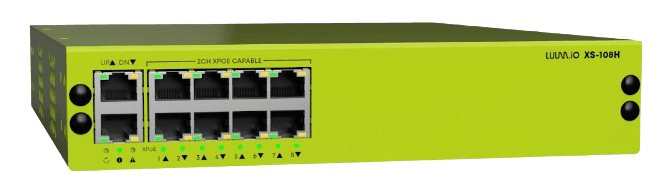
8-port X-PoE lighting controller · 16 independently controlled channels.
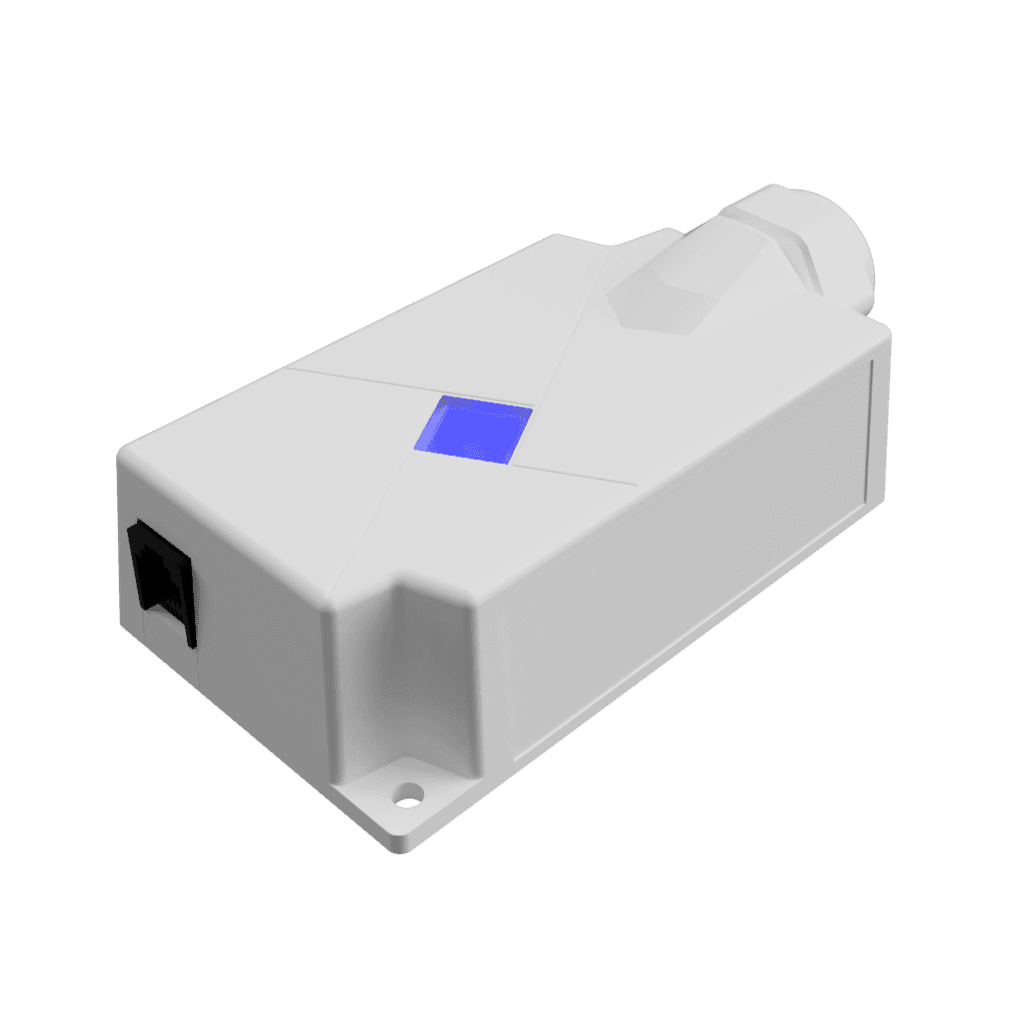
Wireless lighting load control for retrofit and phased deployments.
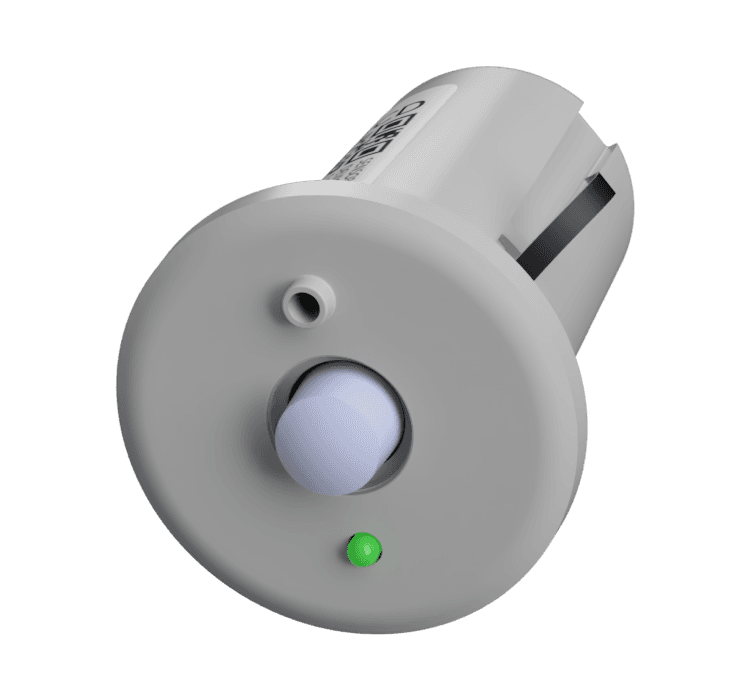
Occupancy sensing for responsive lighting behavior.
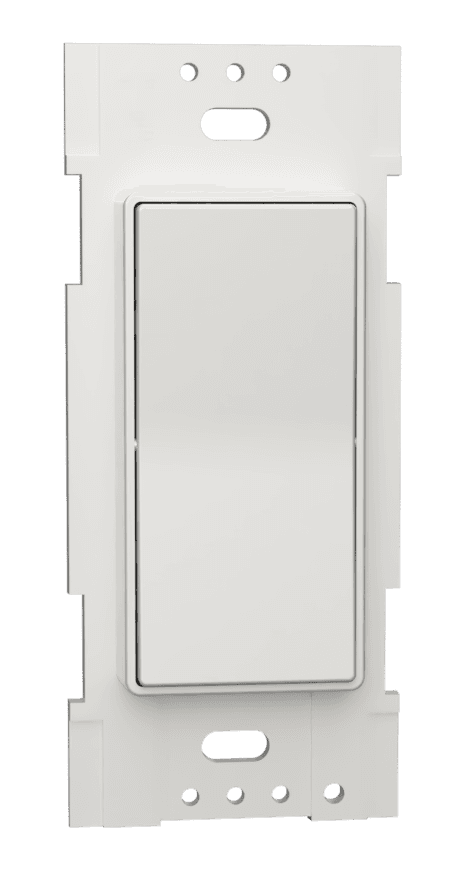
Local wall controls for the people using each space.
From installation to operation
Start with how your building operates today. Commission the controls, then use energy data to review what changed and where to tune next.
Explore all case studies →Record existing lighting loads, schedules and occupied hours.
Agree on light levels, sensor timeouts, scenes and local overrides.
Compare energy use and operating hours, then refine the settings.
Design resources
Explore the live catalog for your X-PoE lighting plan. Bring your fixture schedule to Luum to review electrical compatibility, driver settings and control requirements.
Plan your building
Share your building type, fixture schedule and project phase. We’ll help map the control zones, hardware and deployment approach.